The best Korean language translator app depends on what you translate, since tools differ in handling conversation, honorifics, documents and camera text. This page compares four translators by use case, gives a three-sentence test that exposes politeness mistakes in under five minutes and says when not to use a translator at all. It uses no scores. Translation quality changes with every update, so the test is the part to keep.
Our top picks by scenario
- Best for Korean-specific chat and signs: Papago, because it was designed for Korean and offers camera and conversation modes in its app.
- Best for many languages and offline packs: Google Translate.
- Best for documents, if it supports your text: DeepL, after you check its current Korean support.
- Best as a third opinion: Microsoft Translator, a general translator that is useful when you already work with Microsoft tools.
- Best for study: none alone. Pair any translator with a dictionary.
Key facts
- A translator picks one meaning and one politeness level for you. A dictionary shows all meanings.
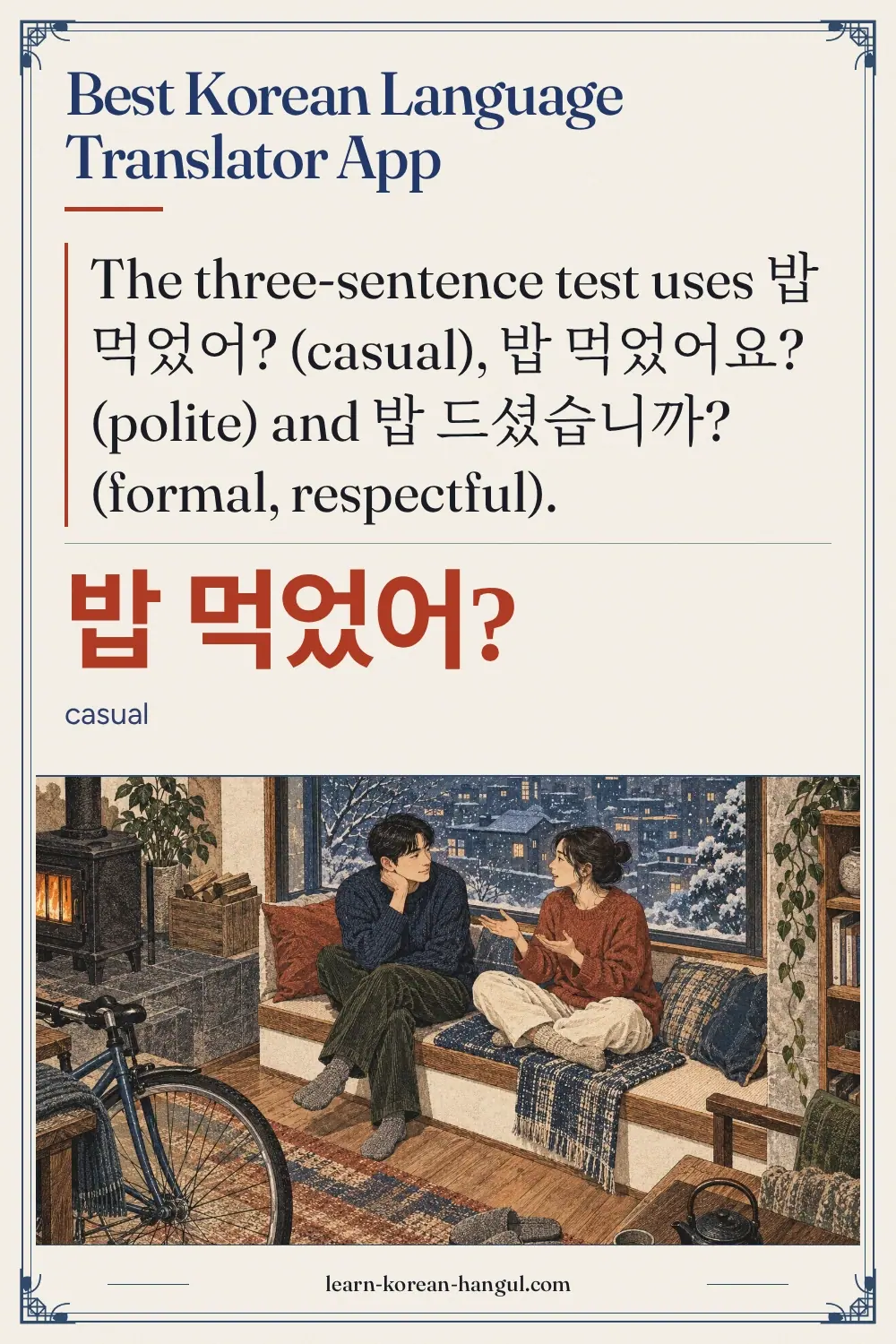
- Test with three Korean sentences that differ only in politeness: 밥 먹었어?, 밥 먹었어요? and 밥 드셨습니까?
- Korean often omits the subject, so translators guess "I", "you" or "he".
- Translated text is sent to a server; avoid private information.
- No scores, ratings or affiliate relationships are used, and apps change, so check current features in the store.
Last updated: 2026-10-09.
Best Korean Language Translator App: the Essentials
No translator is best at everything, so choose by the text you translate. Chat messages need politeness control, documents need consistency, signs need a camera and speech needs a microphone and a quiet room. A translator that is strong at one may be weak at another.
| Scenario | What matters most | First choice | Check before you rely on it |
|---|---|---|---|
| Chat with a Korean friend | Politeness and tone | Papago | Does the Korean ending fit your relationship? |
| Reading signs and menus | Camera accuracy | Papago or Google Translate | Does it read the Hangul correctly? |
| Travel conversation | Speed and speech input | Papago conversation mode | Quiet place, short sentences |
| Documents and emails | Consistent terms | DeepL or Papago, per text | Is Korean supported? Is the text private? |
| Study and homework | Learning, not answers | A dictionary first | Does the tool teach you the rule? |
A translator is for understanding. If your goal is to learn Korean, the dictionary pages cover the better tools, and the best Korean dictionary page is the place to start.
How Did We Choose?
We chose six criteria that matter to someone who needs Korean translations, and we describe tools against them without scores.
- Accuracy on a fixed test set. Does the tool handle the same short sentences correctly?
- Honorific handling. Does it let you choose or at least show the politeness level?
- Camera and conversation modes. Can it read signs and handle speech?
- Offline packs. Can you download languages?
- Privacy. What happens to your text?
- Cost. Is it free, ad-supported or paid? Prices change, so check the store.
Accuracy is the hardest to claim in writing, because results change with each update and with each sentence. For that reason this page gives you the test set and what to look for, rather than a table of results that would be out of date quickly.
Which Handles Honorifics Best?
The only way to know is to run the three-sentence test, because honorific handling changes with updates. The sentences are the same question in three politeness levels.
| Register | Korean | Romanization | Who you would say it to |
|---|---|---|---|
| Casual | 밥 먹었어? | bap meogeosseo [밤머거써] | A close friend or a child |
| Polite | 밥 먹었어요? | bap meogeosseoyo [밤머거써요] | A colleague or someone you just met |
| Formal and respectful | 밥 드셨습니까? | bap deusyeotseumnikka [밥뜨셛씀니까] | An elder or a customer, in formal speech |
Type each into the tool, translate to English, then copy the English and translate it back to Korean. Look at three things:
- Does the English change between the three? Often it stays almost identical, since English has no matching ending. That is normal, but it means the English cannot tell you which register you wrote.
- Does the back-translation return the same register? If you wrote the formal version and the tool returns the casual one, it cannot be trusted with politeness.
- Does the tool offer a politeness setting? Some tools let you choose polite or casual output when you translate into Korean. Look for it in the settings, and test whether it actually changes the verb ending.
The sentences also test the subject. 밥 먹었어? has no subject, and a translator must decide between "Did you eat?" and "Did he eat?". Check the first.
The rule behind the test is the same everywhere: the ending carries politeness. The Korean speech levels lessons explain it, and you will do better than any tool once you know the three endings above.
1. Papago — Best for Korean-Specific Chat and Signs
Papago is the best first choice for Korean text because a Korean portal company built it for Korean, and its app adds camera, conversation and web-page modes.
Specs: free; text, voice, camera and web translation; politeness option for Korean output; offline downloads (check the app).
For short chat messages and signs it gives readable results quickly. Its main use for a learner is understanding Korean text you meet. The page on Papago Korean explains the safe-use loop in detail.
Drawback: it hides subjects and politeness in the English, and it can give a fluent sentence that is wrong. Interface and features follow Naver's updates.
Choose this if you read and write Korean often. Skip it if you need many language pairs outside Korean.
2. Google Translate — Best for Many Languages and Offline Packs
Google Translate is the best choice when you need many language pairs in one app, and its mobile app offers offline language packs and camera translation.
Specs: free; text, voice, camera and handwriting input; offline packs (check the app); web and app.
It is easy to start with, since many phones have it installed. For Korean, check the politeness of its output on the test set, and treat its choices as one opinion.
Drawback: it may add 당신 for "you", which sounds odd in most conversations, and it offers little control over politeness.
Choose this if you travel to several countries or need offline packs. Skip it if you need to control politeness in Korean output.
3. DeepL — Best for Polished Document Text, If Korean Is Supported
DeepL is known for fluent translations of longer texts, and it is the best candidate for documents once you check that your text and language pair are supported.
Specs: free tier with limits and paid plans (check the site for current limits and prices); text and document translation; Korean support to be confirmed on the current language list; privacy terms differ between free and paid plans.
It tends to suit emails and articles where smooth English matters. Its strength is style rather than Korean-specific features such as honorific selection.
Drawback: Korean is not its original focus, free-tier limits apply and it lacks the camera and conversation tools of the other apps.
Choose this if you translate longer documents and Korean is on the language list. Skip it if you mainly need signs, chat or speech.
4. Microsoft Translator — Best as a Third Opinion
Microsoft Translator is a general translator that is useful as a third opinion when Papago and Google Translate disagree. Its multi-device group conversation feature was reported as retired in 2026, so do not choose it for shared sessions without checking the current app.
Specs: free; text and voice translation; Korean among the supported languages (check the current list); offline packs (check the app).
A third result is useful mainly when the first two disagree on a key word or on the subject of the sentence.
Drawback: it is the least known of the four for Korean learners, so there is less advice and you must run the test set yourself.
Choose this if you want a third result to compare. Skip it if you translate alone and want the strongest Korean-specific tool.
How Do You Run the Five-Minute Test?
Run the three sentences in each app and record what you see in a small table. The test takes about five minutes per app.
- Minute 1: open the app, set Korean as the source language and English as the target.
- Minutes 2 to 3: type each of the three sentences and translate. Write the English next to each.
- Minute 4: copy each English result and translate it back into Korean. Write the Korean ending of each result.
- Minute 5: check for a politeness setting and for camera, voice and offline options.
Here is a recording sheet you can copy:
| Check | Papago | Google Translate | DeepL | Microsoft Translator |
|---|---|---|---|---|
| Casual sentence: English subject guessed (I / you / he) | ||||
| Polite sentence: English differs from casual? | ||||
| Formal sentence: back-translation keeps formal ending? | ||||
| Politeness setting available? | ||||
| Camera / voice / offline available? |
Fill it in once, date it and keep it. When you update an app or switch phones, run the test again. A table you made yourself on your own phone is more reliable than any list of results on a web page, including this one.
How Can You Get Better Results from Any Translator?
Write short, complete input with the subject stated, because the translator then has less to guess. Four habits help.
- One idea per sentence. Split 어제 친구를 만나서 영화를 봤는데 재미있었어요 into shorter sentences if the result looks strange.
- State the subject when it matters. Write 저는 밥을 먹었어요 (jeoneun bapeul meogeosseoyo) [저는 바블 머거써요], "I ate", instead of 밥 먹었어요 when you need "I".
- Use standard forms. Slang, abbreviations and chat spellings confuse translators more than they confuse people.
- Check names and numbers yourself. Names are often translated as words, and counters and numbers can be misread.
For a message to someone, finish by reading the Korean output aloud or checking the ending against the speech-level lessons. If the ending does not match your relationship, change it yourself. A Korean ending that you have corrected is a small lesson, and it teaches more than the translation did.
What Types of Text Suit a Translator?
Translators work well on short, factual, modern text and poorly on text where tone, culture or ambiguity matters. The table sorts common situations.
| Text type | Suitability | Why |
|---|---|---|
| Signs, labels and menus | Good | Short, factual words and phrases |
| News headlines and articles | Fair | Clear style, but names and idioms need checking |
| Chat with friends | Fair | Slang, abbreviations and politeness vary |
| Emails to a teacher or boss | Poor without checks | Politeness level is critical |
| Poetry, lyrics and drama dialogue | Poor | Meaning depends on tone and culture |
| Legal, medical and official forms | Do not rely on it | Errors have real consequences |
The cases where a translator fails are the cases where a learner most needs to understand why, so use them as study material. Take a drama line, translate it, then ask a teacher or tutor what the tool missed.
What Mistakes Do Learners Make with Translators?
Five habits cause most of the trouble.
- Trusting fluent English. A smooth result can still be wrong.
- Translating before reading. If you translate every sentence at once, you never practise reading Korean.
- Ignoring the politeness ending. You may send a casual message to someone who expects polite speech.
- Typing private details. Your text goes to a server.
- Using one tool only. Two translators that disagree show you where to look.
Keep the habit of reading first, translating second and looking up third. That order turns a translator from a crutch into a check.
Which Has the Best Camera and Speech Modes?
Camera and speech quality depends on the lighting, the font, the noise and your phone, so test them where you will use them. Photograph a menu or a sign, and compare how each app reads the Hangul before it translates. A wrong reading of the Hangul gives a wrong translation, even when the translator itself is good. For speech, speak one short sentence at a time, such as 안녕하세요, and see whether the app writes the Hangul correctly.
If the Hangul is wrong in either case, the problem is the recognition, not the translation. Retake the photo closer and flat, or speak more slowly.
Which Is Best for Travel?
For travel, use a translator with camera and voice modes, plus an offline option. Camera mode helps with menus, signs and labels. Voice mode works best with short sentences, one speaker at a time. Download offline packs at home, because roaming data can be costly and some places have no signal.
- Before you leave: install two translators, download the offline data and test them in airplane mode.
- At a restaurant: use the camera on the menu, then ask the staff to confirm any allergy-related words in person.
- For directions: show the Korean destination name on your screen, such as 서울역 (seoullyeok) [서울력], instead of speaking it.
- When it fails: write the sentence in short pieces or point to a picture.
Do not rely on any translator for medicine, allergies or legal matters. Ask a person.
Which Is Best Offline?
Google Translate and Papago both offer offline options in their apps, but the details change, so check the store listing and test in airplane mode. Offline mode usually gives text translation only, with less accurate results than the online version, and camera or voice modes may need a connection. Download the Korean pack on Wi-Fi at home before you travel. If an app does not mention offline use, assume it needs a connection.
What Are the Limits of a Translator?
Every translator shares the same limits, and learners should know them.
- Politeness is a guess. Unless you choose the level, the tool decides.
- Subjects are a guess. Korean omits them; English needs them.
- One meaning per word. Dictionaries show all senses; translators show one.
- Fluent errors. A smooth sentence can still be wrong.
- Privacy. Text is sent to a server.
How Do Translators Treat Names and Titles?
Translators often mishandle Korean names and titles, because Korean addresses people with a name plus a title instead of with "you". A person called 김민수 might be addressed as 민수 씨 (minsu ssi) by a colleague, as 민수 님 (minsu nim) by a customer service agent, or as 선생님 (seonsaengnim), "teacher", by a student. A translator may render these as "Mr. Minsu", leave the title out or translate 님 literally. It can also turn 선생님 into "teacher" when the speaker means "sir" or "Ms." in a polite address.
The practical fix is to keep names and titles out of the text you translate, then add them back yourself. Translate the sentence with a placeholder, such as "A", and replace it afterwards. When you write to someone in Korean, use their name plus the right title and avoid 당신, which most translators insert for "you" and which sounds distant in many conversations.
When Should You Not Use a Translator?
Do not use a translator when the goal is to learn, to take an exam or to send an important message without checking. Three cases matter most.
- Homework and graded work. Handing in translated text defeats the purpose and is usually forbidden. Write it yourself, then check it with a spell checker.
- Exams. The TOPIK exam does not allow tools, so practise without them. The TOPIK writing tips page shows how to prepare.
- High-stakes messages. A message to a boss, a landlord or a teacher needs the right politeness. Ask a person or learn the ending yourself.
How Do the Translators Compare?
The table compares what each tool offers, without grades. Check the cells that matter to you in the current app.
| Criterion | Papago | Google Translate | DeepL | Microsoft Translator |
|---|---|---|---|---|
| Built for Korean first | Yes | No, general | No, general | No, general |
| Politeness control | Offered for Korean output | Limited | Check current options | Check current options |
| Camera | In the app | In the app | Check the app | Check the app |
| Conversation mode | Yes | Yes | No | Check the current app |
| Offline | Check | Language packs | Check the plan | Check the app |
| Privacy | Text sent to server | Text sent to server | Terms differ by plan | Text sent to server |
| Cost | Free | Free | Free tier and paid | Free |
The pattern is that Papago leads on Korean-specific features, Google Translate on breadth and offline packs, DeepL on document style, and Microsoft Translator works as an extra opinion.
Which Should You Pick?
Pick by the job.
If You Chat with Korean Friends
Start with Papago, run the three-sentence test and learn the endings so you can correct it.
If You Read Signs and Menus
Use camera mode in Papago or Google Translate, whichever reads the Hangul correctly on your test photo.
If You Translate Documents
Try DeepL if it supports your language pair, and use Papago for Korean-specific wording. Always review with a person for important documents.
If You Are Studying
Use a translator for the gist only, then a dictionary for the words. Pair it with the Naver dictionary.
If You Talk with Someone Face to Face
Use the conversation mode in Papago or Google Translate, speak one short sentence at a time and let the other person read the Korean on the screen.
Frequently Asked Questions
Which translator handles honorifics best? It depends on the version, so run the three-sentence test: 밥 먹었어?, 밥 먹었어요? and 밥 드셨습니까? Check whether the tool offers a politeness setting and whether the back-translation keeps the register. Papago is designed for Korean, but test it against Google Translate yourself.
Can I rely on translators for TOPIK writing? No. The TOPIK exam does not allow translation tools, and a translator cannot score your answer or teach you the structure the exam rewards. Use a translator only to check meaning while you study, and practise writing without it.
Is there an offline translator? Yes, several apps offer offline language packs, usually for text translation only. Quality is often lower than online, and features differ by app and by plan. Download the Korean pack at home and test it in airplane mode before you travel.
Are translators private? Treat them as not private. Your text is sent to a server to be translated, and each company has its own policy and plan terms. Do not enter passwords, ID numbers or private conversations, and read the privacy policy before you use a tool for work documents.
Is a translator the same as a dictionary? No. A translator turns a sentence into another language and chooses one meaning, while a dictionary shows every meaning of one word with examples. Use a translator for the gist and a dictionary to check important words.
The Bottom Line
The best Korean language translator app is the one that passes your own test for the job you need. Run the three-sentence politeness test, check camera and offline modes, and keep your sentences short. For most learners, Papago is the first tool to try for Korean, Google Translate is the broad backup and a dictionary is the tool that actually teaches. Use a translator to understand, not to learn, and never as a substitute for your own writing in class or in the exam.