[TOOL: KoreanTimeConverter]
How to Use the Korean Time Converter

Enter the source date, source time and source zone, choose a destination zone, then press Convert. Read the complete destination date as well as its hour. A successful result repeats the confirmed source alongside the destination, its numeric UTC offset and whether the calendar date changes. The event stays in memory unless you explicitly save, export or share it. Live conversion requires JavaScript; the dated examples below remain available as an ordinary reference.
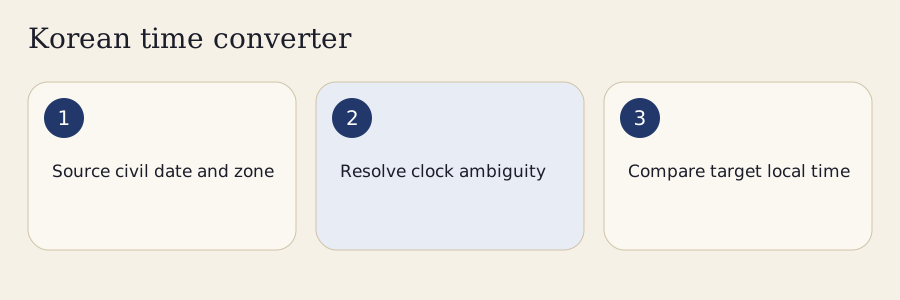
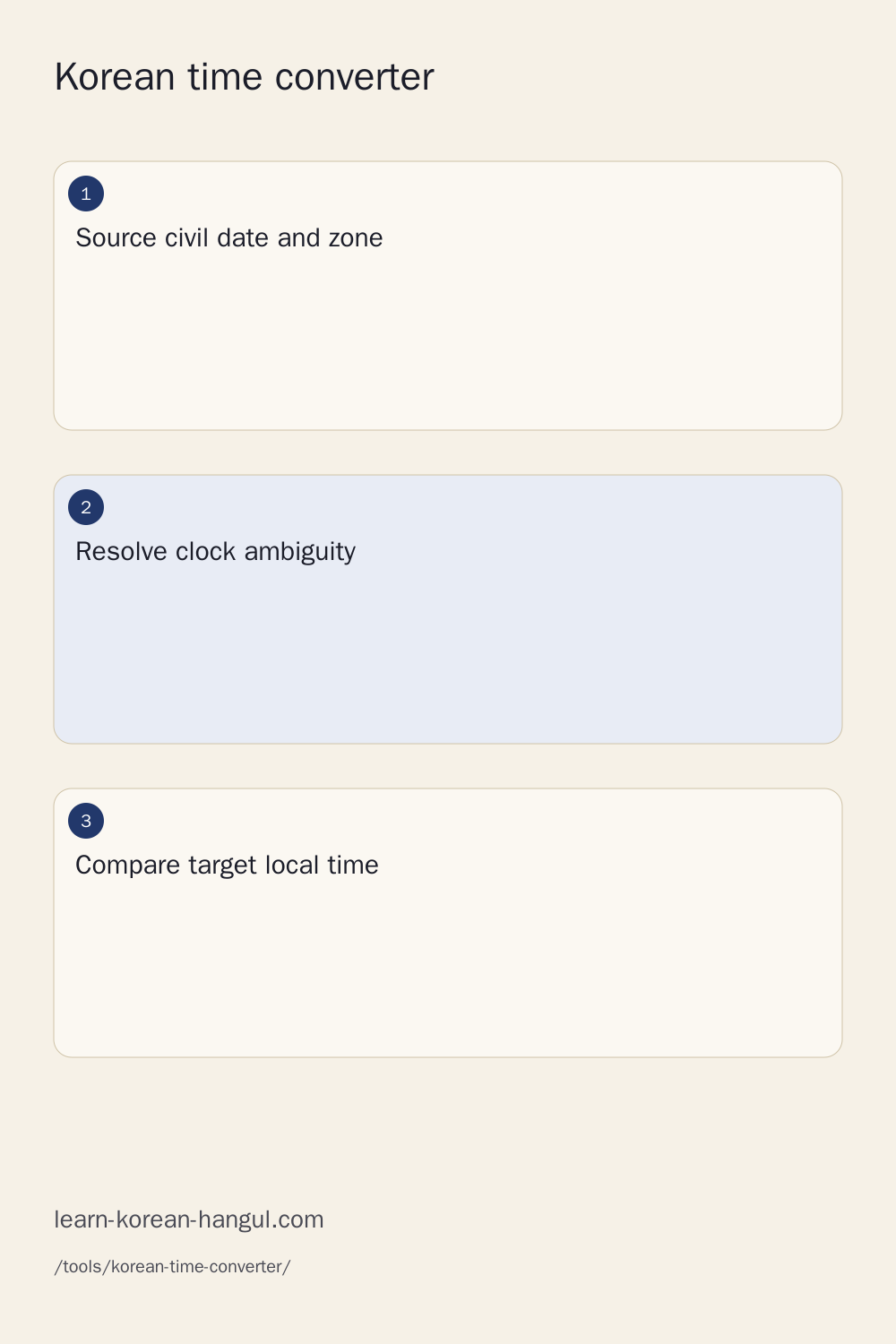
1. Confirm the Source Date and Zone
Enter an ISO date such as 2026-07-15 and an hour such as 18:00. Seoul is the initial source zone, Asia/Seoul. The date is part of the event, rather than an optional decoration. A source without a date cannot establish the destination’s seasonal offset. A source without a regional zone cannot identify which clock rules apply. If an announcement lists only 오후 6시, obtain the event date before converting. The common mistake is borrowing today’s date for a future event and trusting the resulting hour.
2. Choose a Specific Destination
Enter the IANA identifier for the city, or use City search to find its country-qualified locality. New York uses America/New_York; Madrid uses Europe/Madrid. A country name does not always identify one zone. Spain includes mainland and Canary Islands zones, while the United States has many regional rules. The city search shows the country, administrative region and zone together, helping distinguish repeated locality names. Check the selected identifier before adding the city to a meeting group or copying a result.
3. Inspect, Copy and Export
Press Convert and compare the source date with the local date. Copy provides the current result; Calendar creates a local ICS file from the confirmed source fields. More provides text exports, settings, participants, recurrence and explicit sharing. A clipboard denial leaves selectable text for manual copying. A calendar download is not an invitation, and opening an email draft does not send it. Verify the date and zone in the receiving application before relying on its reminders. These checks keep a useful hour attached to the event it describes.
What Does KST Mean for an Event?
Current South Korean standard time is UTC+09:00, represented by Asia/Seoul in the regional IANA database. An event at 18:00 in Seoul therefore corresponds to 09:00 UTC under the current rule. A fixed KST offset also represents UTC+09:00, but a fixed label has no historical transitions. Regional Asia/Seoul preserves the database’s historical changes, including earlier half-hour offsets and twentieth-century daylight saving. IANA’s Asia source supplies these dated rules.
The converter uses the pinned IANA 2026e snapshot, not a claim that South Korea has always had the same clock policy. Asia/Pyongyang is also distinct: North Korea’s 2015–2018 half-hour period belongs to its own regional history. For a modern South Korean concert or lesson, Asia/Seoul is usually the intended source when the organizer says KST. For historical or archival work, retain the regional identifier and inspect the history warning. An announced time still needs verification from the organizer; a converter cannot prove that an event exists.
Are EST and New York Time Always the Same?

Fixed EST means UTC−05:00. New York’s regional zone changes between standard and daylight offsets according to the date, so July New York time is not fixed EST. On July 15, 2026, Seoul 18:00 becomes New York 05:00 with UTC−04:00; fixed EST would produce 04:00. On January 15, 2026, both New York standard time and fixed EST use UTC−05:00. The one-hour difference comes from the destination rule, not a change in Seoul’s source hour.
PST similarly names a fixed UTC−08:00 offset, while Los Angeles can use UTC−07:00 in its daylight period. Abbreviations such as CST, IST and BST can refer to more than one region and are therefore not resolved by a guessed country. Enter a regional identifier or an explicit numeric offset. Numeric offsets in the result are the clearest value check; abbreviations are supporting labels. This distinction is particularly important when an informal announcement uses a familiar abbreviation throughout the year.
How Is a Dated Conversion Calculated?
Conversion first resolves the source’s local calendar fields into an instant, then applies the destination’s offset at that instant. The arithmetic is local source time minus source UTC offset equals UTC instant; UTC instant plus destination offset equals local destination time. The destination offset is looked up for the resolved instant, so the calculation does not depend on a permanently memorized country difference.
Resolve the Source into an Instant
A source date and time can have one, zero or two valid instants. Ordinary hours resolve once. A forward clock jump can omit an interval, leaving a nonexistent local hour. A backward jump can repeat an interval, giving two distinct instants with different offsets. The converter enumerates valid offset candidates and checks that each candidate converts back into the exact source fields. A missing candidate is rejected; multiple candidates require an explicit choice. The original source is retained so a correction is deliberate.
Apply the Destination’s Dated Offset
The destination lookup uses transition records compiled from the pinned database. A binary search finds the applicable rule, preserving historical second-level offsets as well as modern hour and half-hour changes. Gregorian civil fields are then derived from the instant and numeric offset. Browser locale formatting can change how the date is displayed, but it does not supply the authoritative regional offset. The database version and source checksum in Details identify the policy snapshot used for the result. This separation helps prevent a stale operating-system timezone database from silently changing an answer.
When Does the Calendar Day Change?

The local date changes when the destination’s converted clock crosses its own midnight relative to the source date. Seoul 00:00 on January 15, 2026 becomes New York 10:00 on January 14. Seoul 00:00 on January 1 becomes UTC 15:00 on December 31 of the previous year. Both examples demonstrate why copying only an hour can lose the most consequential part of an event schedule.
Calendar-day difference is computed from civil dates, not by dividing elapsed seconds by twenty-four hours. A daylight-saving day can have fewer or more elapsed hours than an ordinary day. International Date Line destinations can also have substantially different date labels while representing the same instant. The result names the previous, same or next date and retains its signed difference. Use the full Korean date format when communicating the converted event back to a learner or class.
Four Dated Korean Event Examples
Seoul to New York in Winter
Input January 15, 2026, 18:00, Asia/Seoul. The source offset is UTC+09:00, making the instant 09:00 UTC. America/New_York uses UTC−05:00 on this date, producing January 15 at 04:00. The date remains the same. The result is a dated winter example, not a year-round promise that New York is fourteen hours behind Seoul. Copy both date and hour when sending a class reminder.
Seoul to New York in Summer
Input July 15, 2026, 18:00, Asia/Seoul. The UTC instant is again 09:00, but New York now uses UTC−04:00. The local result is July 15 at 05:00, one hour later than the winter example. Seoul’s source hour stays 18:00. The destination’s seasonal rule explains the difference. Selecting fixed EST instead would deliberately retain the fixed UTC−05:00 calculation, which is a different target from the regional New York zone.
Seoul to Madrid across Seasons
For January 15, 2026, Seoul 18:00 corresponds to Madrid 10:00 with UTC+01:00. For July 15, it corresponds to Madrid 11:00 with UTC+02:00. The source instant is 09:00 UTC in both examples. A Spanish-speaking learner should select Madrid for this mainland example rather than assuming every Spanish locality has the same offset. The numerical results can use a twenty-four-hour display regardless of the language used to explain them.
Seoul to Mexico City with a Date
For July 15, 2026, Seoul 18:00 corresponds to Mexico City 03:00 with UTC−06:00. America/Mexico_City is the selected regional identifier. Other Mexican localities, especially border areas, can follow different policies. A country-only offset shortcut therefore cannot replace a city-qualified result. The original source and destination dates are both July 15 in this example. These four examples are reproducible with the tool’s editable fields and source-derived regression fixtures.
Which Hours Overlap for a Meeting?

A meeting window exists where every included participant’s dated availability overlaps for at least the requested elapsed duration. Participants can edit their working or waking windows rather than accepting a preset as personal availability. Overnight windows span into the next local date. Weekend exclusions, date exceptions and excluded participants further restrict the result. The tool shows the intersection and reports when no common interval remains, rather than coloring an impossible slot as available.
Edit Each Participant’s Window
Choose a participant and enter the local start and end, with the participant’s own regional zone. For July 15, 2026, Seoul 16:00–18:00 overlaps Madrid 09:00–11:00 over UTC 07:00–09:00. On January 15, those same local windows overlap only over UTC 08:00–09:00, corresponding to Seoul 17:00–18:00 and Madrid 09:00–10:00. The seasonal difference changes the intersection even though neither person edited their preferred hours.
Explain a Missing Slot
A no-overlap result names the relevant intervals and asks you to relax a limit, change the date or exclude a participant deliberately. An unknown holiday snapshot does not prove that someone is available. Country baseline data can omit subdivision-specific rules, personal leave and one-off announcements. Add a dated exception when those facts are known. This distinction keeps a suggested window separate from consent to meet. The converter never sends invitations or assumes that a mathematically valid interval suits everyone.
Why Can a Weekly Class Change Local Time?

A recurring Seoul class anchored at 18:00 keeps that source wall-clock hour while its destination hour can move with the destination’s seasonal rule. For New York, March 1, 2026 gives 04:00 and March 8 gives 05:00. October 25 gives 05:00 and November 1 gives 04:00. Adding a fixed number of seconds to a destination-local clock would express a different recurrence intent from keeping the Seoul class time.
Recurrence preview supports daily, weekly and monthly schedules, an interval, count or end date, and explicit date exceptions. A monthly day that does not exist is skipped instead of rolling into another month. A repeated source hour follows the selected earlier or later occurrence policy; a nonexistent recurrence remains visible as an exception requiring review. Preview the first changed destination occurrence before saving. The calendar export preserves the source zone and recurrence rule rather than replacing the source with one apparently convenient destination hour.
How Do I Read 오후 6시?

오후 marks the afternoon or evening half of a twelve-hour clock, so 오후 6시 represents 18:00. 오전 12시 represents midnight at 00:00 on the supplied date, while 오후 12시 represents noon at 12:00. A bare 열두 시 leaves that choice unresolved. The parser asks for AM or PM instead of guessing. Half-past 반 adds thirty minutes in a supported clock expression, while minutes and seconds can be supplied separately.
The language parser accepts bounded clock and date structures, not arbitrary Korean announcement prose. Retain the source date and zone even when an expression clearly supplies the hour. IME composition is not a completed expression; use Convert after finishing the Korean input. Learn how to tell time in Korean and 오전, 오후 and half past for the vocabulary. The shared read Korean dates and clock times workspace explains number forms separately from resolving an international instant.
What Does a Calendar Download Preserve?
The ICS file includes the confirmed source date, source-local time, source zone, elapsed duration and optional event fields. Titles are blank by default, and location, URL and description are entered explicitly. Recurring files retain the source TZID and rule, with exceptions and relevant timezone transition definitions. Text is escaped and long lines are folded by UTF-8 byte length so Korean characters do not break calendar-property boundaries. These are interoperability requirements described by RFC 5545.
Confirm Single and Recurring Events
Before download, compare the source anchor with the first previewed occurrences. For a weekly Seoul 18:00 class, check New York’s first result after March and November changes. Imported calendars can contain custom VTIMEZONE definitions or floating events with no zone; a floating event needs an explicit interpretation rather than automatic assignment to the device zone. Local import is bounded to five MiB and 5,000 event records, and imported information stays in memory until deliberately saved elsewhere.
Understand Reminder Delivery
VALARM requests a calendar reminder; it cannot force every calendar app or operating system to ring. Permissions, notification settings, synchronization and app behavior still matter. Browser notifications require an explicit Enable action and are only supplementary while the page and operating system permit delivery. Closing an ordinary webpage can stop its timer. Export the event to a calendar application for its own reminder workflow, then inspect the imported event’s zone and alert settings instead of assuming download alone established dependable delivery.
Which Clock Rules and Limits Apply?
This build pins IANA 2026e, with the checked source archive checksum recorded in Details and its manifest. The preferred practical date window is 1900–2100; expanded calendar years use modeled historical or extrapolated future rules with a warning. Pre-1970 timezone records can be incomplete, and future political decisions can change a currently correct schedule. A dataset version is therefore evidence of reproducibility, not a guarantee that all future policy is final.
The source snapshot includes the 2026 policy changes represented in Winnipeg, Vancouver, Edmonton and Casablanca. Those cases are regression fixtures rather than assumptions based on the browser’s unknown regional data version. Gaps, folds, quarter-hour offsets and historical Korean second offsets are checked separately. Updates should preserve saved-event assumptions until changed results can be inspected. A correction report should include the zone, date range and database version without exposing a private meeting title or participant schedule.
City search uses a dated GeoNames snapshot under CC BY 4.0, with country and administrative qualifiers. Worldwide holiday baselines use separately attributed date-holidays data under CC BY-SA 3.0, distinct from official-source confirmation or a person’s availability. Approximate sunrise and sunset use city coordinates and a stated zero-elevation assumption; polar dates can have no sunrise or sunset event. These details provide context, not a personalized travel-health or jet-lag recovery prediction.
Dated Offsets and City Details
| Destination | January 15, 2026 | July 15, 2026 | Seoul 18:00 in July |
|---|---|---|---|
| New York | UTC−05:00 | UTC−04:00 | 05:00, same date |
| Los Angeles | UTC−08:00 | UTC−07:00 | 02:00, same date |
| Madrid | UTC+01:00 | UTC+02:00 | 11:00, same date |
| Mexico City | UTC−06:00 | UTC−06:00 | 03:00, same date |
| Kathmandu | UTC+05:45 | UTC+05:45 | 14:45, same date |
The table is dated rather than presented as a permanent country comparison. Details lists applicable transition instants for the selected year. A city’s coordinates can help estimate sunlight, but coordinates and static locality offsets are not the clock-policy engine. Printed and shared results should retain the source date, destination date, numeric offset and database version. A countdown additionally depends on the device clock, so it cannot prove that the device’s current time is correct.
Privacy, Offline Packs and Sharing
Core calculations, imported calendars and exports operate locally with loaded zone records. GeoNames search and optional country/year packs download only when requested. An uncached zone reports that its pack is unavailable rather than substituting a guessed offset. Once the needed records are loaded, the same pinned data produces the same result offline. A first offline visit still needs the assets previously cached by the browser or an explicit offline pack workflow.
Local saved groups require an explicit Save action. A share fragment includes only the fields you choose, and a link containing an event date or description reveals those fields to its recipient. Copying a settings link and publishing a hosted public event are different actions. The local widget code uses an explicitly generated event fragment; it must not read a private ambient group. Hosted synchronization, external free/busy authorization and public-image publication belong to separately permissioned integrations and do not become automatic side effects of conversion.
Frequently Asked Questions
Does Changing My Phone’s Time Zone Change a Saved Seoul Event?
A saved event retains its confirmed source zone and instant. Changing the device’s viewing zone can change the displayed local time without changing the event. An explicit edit to the source fields is a different action. Compare the retained Seoul date and hour when checking a restored group or shared event.
Can I Compare Seoul and Busan?
Seoul and Busan currently use the same Asia/Seoul regional clock policy, so a modern instant has the same local time in both cities. Their locality details and approximate solar context can differ. Keep the date attached to historical comparisons; the database’s regional model does not establish every locality’s complete archival history.
Does the Countdown Prove My Device Clock Is Correct?
No. The countdown subtracts the device’s current clock from the resolved event instant, so an incorrect device clock produces an incorrect remaining duration. The converted event result stays tied to its confirmed source fields. Check the device’s time settings or another trusted clock before relying on a countdown for an important event.
Can I Import an Event That Has No Time Zone?
An event without a zone can be a floating calendar value. Choose the intended source zone explicitly before treating it as an instant. Assigning the device zone automatically could move a Korean event to the wrong time. The import reports that ambiguity instead of pretending that every local calendar field already identifies a timestamp.
Will a Calendar Reminder Ring While This Page Is Closed?
Reminder delivery depends on the calendar application, permissions, synchronization and operating-system settings. An exported calendar alarm is a request to that application. A browser timer on this page is supplementary and can stop when the page closes or backgrounds. Inspect the imported event and alert settings in the calendar app.
Keep the Korean Time Converter Result Tied to Its Date
Before saving, check the source date, source zone and destination date together. Use the Korean time converter to preview the next lesson or event, then export the confirmed result. For a recurring appointment, review the first occurrence after a local clock change as well. Retain the numeric offset and policy version with an archival result, and recheck future events after a rule update. A readable hour, a verified date and a deliberate zone choice provide a practical basis for planning across Korea and your selected city.