How Do You Use the Korean Shadowing Tool?
Import a local file, select a complete phrase, choose the practice flow, then play and compare a recording. Start with a phrase you understand and can read. The player controls repetition; your task is to notice one difference between your voice and the reference.
- Import your audio or video. Choose a file you have permission to use. Check that it plays before setting a loop. The expected result is a playable source with its duration available.
- Set A and B. A marks the start and B marks the end. Replay the selected section and check that both its first and last sounds remain audible.
- Choose the flow. Use a speaking gap for repeat-after practice, or no gap to speak along. Select speed and a finite repeat count for your first attempt.
- Play, record and compare. Listen once, then record a take with headphones. Play the source and your take separately, and write down one difference.
Keep the first comparison specific: an omitted ending, a rushed phrase or a pause in the wrong place. A short example makes this process easier to follow.
A Café Phrase with Three Repetitions
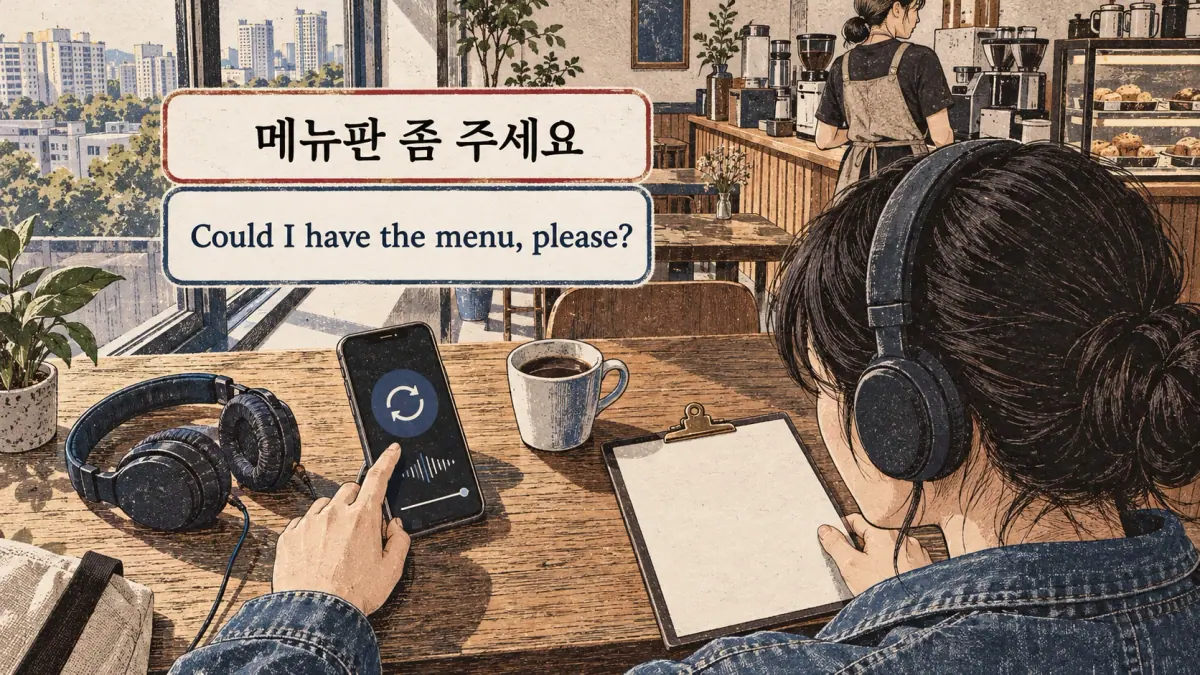
Use a short request from your own lawful recording. The ordering-food lesson gives 메뉴판 좀 주세요, “Could I have the menu, please?” This is a reusable request example; the player does not supply an owned café recording or establish a fixed duration for that phrase.
Set the boundaries by listening, choose three total plays and leave a two-second speaking gap between them. Listen during the first play, then repeat during each gap. Keep the entire request audible rather than cutting at the space before its final part.
The duration depends on the recording you imported and the speed you selected. Three repeats means three plays, not an initial play plus three more. After this trial, choose whether gaps or overlapping speech better fit your current task.
Shadowing, Reading along and Repeat-after Practice

Shadowing, reading along and repeat-after practice differ in when you speak. They can use the same source while asking you to perform different tasks. Choose the timing that lets you focus on the difficulty you have identified.
| Method | When You Speak | Script Use | Useful Player Choice |
|---|---|---|---|
| Read along | Alongside the reference | Usually visible | No speaking gap |
| Shadow along | Just behind the reference while it continues | Optional | Continuous playback without gaps |
| Repeat after | After the phrase finishes | Optional | A gap long enough for your reply |
| Listen and compare | After recording, during separate playback | Useful for locating differences | Alternate source and take |
A speaking gap is time reserved for your turn. It is different from a pause after an entire finished exercise. Leaving a gap changes the practice into repeat-after work, even if the page is called a shadowing tool.
No timing method guarantees faster learning for everyone. A familiar short phrase makes overlapping speech manageable, while an unfamiliar ending may benefit from a separate turn. Use that distinction to choose the next flow.
Which Practice Flow Should You Choose?
Choose repeat-after when you need time to construct the phrase, read-along when the script supports your timing, and shadow-along when you can follow the reference without losing the ending. These are practical starting choices rather than a placement test.
Begin with familiar words and one complete message. Keep the script visible until you understand it; hiding unfamiliar text does not make the exercise more useful. When the phrase becomes manageable, remove one support at a time: reduce help from the script, return toward original speed or remove the speaking gap.
If you lose the ending repeatedly, check the loop boundaries before assuming that speed is the only problem.
Set A–B Points without Cutting off Korean Sounds
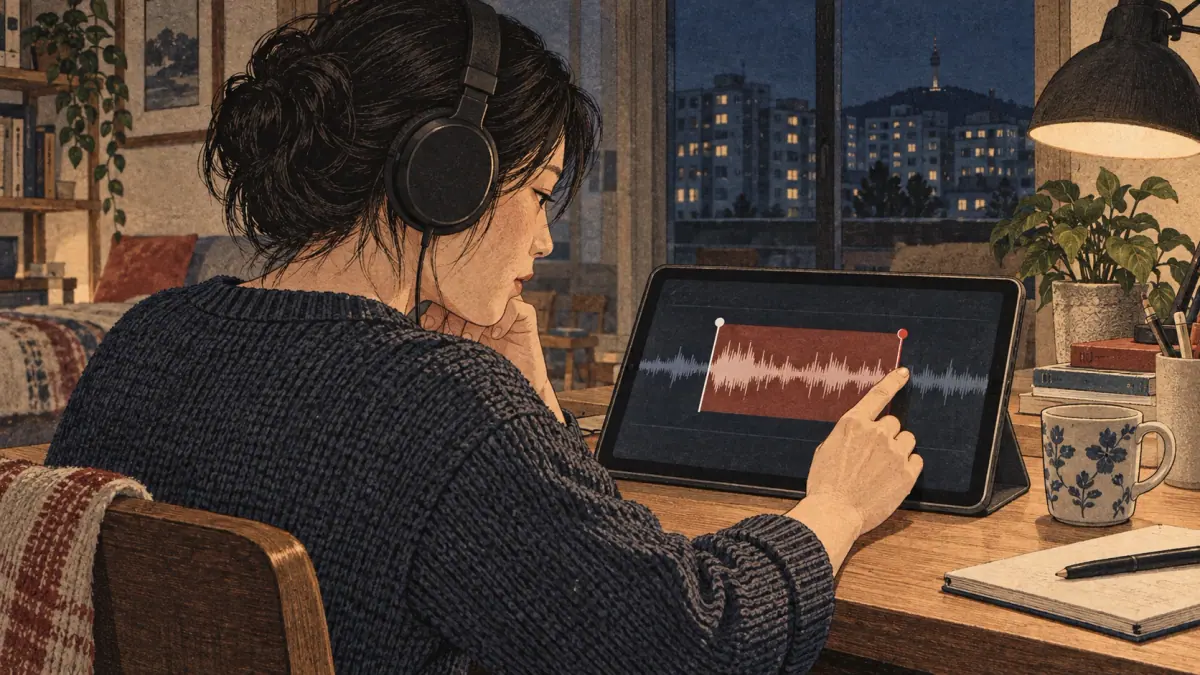
A and B should contain a complete spoken unit, including the start and the final sound. Replay the selection before practising aloud. A loop that sounds abrupt is a poor reference even when its timestamps match the written caption.
The selected interval runs from A up to B, written mathematically as [A, B). Its source duration is B minus A. A small change to B can therefore decide whether you hear a word's ending or only its beginning. The visual number alone cannot tell you whether the speech is complete.
Listen for a natural break in the speaker's message. Include a little surrounding quiet where needed, but avoid adding the next person's reply unintentionally. If the start sounds clipped, move A earlier. If the final sound disappears, move B later and test again.
Check at original speed before testing slower playback. Slow playback can make a damaged boundary easier to notice, but it does not restore audio that lies outside your selection. Once both edges sound complete, use those same source points for comparing takes. Subtitle timestamps can help locate a phrase, but they need this listening check too.
Why Do Subtitle Edges Sometimes Cut a Syllable?
Subtitle edges can cut speech because captions divide text for display, not necessarily at the exact beginning and end of each sound. A cue may appear early for readability, disappear while a final sound continues or combine several spoken units.
The shadowing guide's 저는 매일 한국어를 공부해요 is an example of a complete sentence to locate in a matching recording. A cue containing only part of that sentence is not automatically a suitable practice loop. Confirm what is audible rather than treating the subtitle box as a phonetic boundary.
Compare the caption with the recording first, then adjust A and B. If the caption text is wrong, moving its timestamps cannot fix the wording. Keep the corrected text and sound selection aligned, and avoid practising a transcript you have not understood. The next decision is whether a speed change makes that complete phrase easier to follow.
Speed, Pitch and Carefully Spoken Recordings
A slower playback rate stretches the imported recording; it does not create a new carefully spoken performance. At 0.8×, a four-second source segment takes five seconds to play. The calculation is source duration divided by playback rate.
Use a modest slowdown when you can understand the phrase but cannot yet follow its timing. Listen again at original speed afterwards. This gives you a comparison between the supported attempt and the actual rhythm of the recording.
Browser pitch-preservation support can reduce the familiar lower-pitch effect of simple slowdown. Check the player's status rather than assuming every device handles processing identically. Preserving perceived pitch does not promise that every sound remains unchanged or equally clear.
A carefully spoken original can differ from slowed ordinary speech in its pauses, articulation and emphasis. If your source is too difficult even after slowing it, choose an easier or more clearly recorded phrase instead of pushing the rate ever lower.
Save the rate alongside your cue so future comparisons use the same settings. A take at one speed and a reference at another make timing comparisons harder to interpret. Sound quality also needs a separate check.
Can Slower Playback Change Pronunciation Cues?
Slower playback can alter timing and introduce processing artifacts. A setting that helps you follow words may make fine sound details less dependable. Listen for warbling, smeared edges or unusually stretched pauses before copying the slowed version closely.
Treat the original-speed recording as the reference for the speaker's actual delivery. Use slowdown as temporary support for locating syllables and understanding sequence, then return to that reference. A clearer view of the transcript can also help without changing the audio.
If the slowed ending sounds distorted, do not copy the distortion. Compare the same section at a higher rate and check whether it remains complete. Speed, gap and repeat settings serve different purposes; changing one should not silently change your interpretation of the others.
Speaking Gaps, Repeats and Queue Timing

A finite rehearsal combines rate-adjusted plays with speaking gaps between them. Define the source duration as D seconds, the rate as r, the total play count as N and the gap as G seconds. Without a trailing gap, total time is N × D ÷ r + (N − 1) × G.
| Setting | Meaning | Boundary Case |
|---|---|---|
| A and B | Source start and end | B must follow A |
| Rate | Playback speed multiplier | Lower rate increases play time |
| Repeat count | Total number of plays | One play has no between-play gap |
| Speaking gap | Seconds between plays | Zero supports overlapping practice |
| Until stop | Continue until you stop | No finite completion time |
Check the final-gap policy when planning an exported rehearsal. A gap after the last play would add another G seconds, but the between-play calculation above does not include it. Time spent preparing, recording separately or listening to your take is additional.
Use a finite count when you want an exercise you can compare tomorrow. Until stop is useful for free repetition, but it cannot provide a fixed duration in advance. The following example makes the arithmetic concrete.
How Long Will a Saved Rehearsal Take?
For a hypothetical three-second source segment, three plays and two-second gaps take thirteen seconds at original speed: 3 × 3 + 2 × 2 = 13. Two gaps occur between the three plays.
At 0.5×, each play lasts six seconds. The same three-play rehearsal takes twenty-two seconds: 3 × 6 + 2 × 2 = 22. The speaking gaps remain two seconds rather than doubling with the audio.
These numbers illustrate the controls; they are not measured durations of a supplied Korean clip. Add separate recording and comparison time when planning a session. Before calculating a real rehearsal, import your source and confirm the selected duration.
Import Your Own Korean Audio, Video and Captions
Import only audio, video and captions you have permission to use. Local import keeps the selected media on your device, but ownership and permission still matter if you later distribute an exported rehearsal.
Playback support depends on both the file container and its codec, the method used to encode its sound or picture. A filename ending does not guarantee that your browser can play its contents. Test playback immediately. If a file fails, use a supported copy rather than assuming its transcript is the cause.
Local streaming is bounded to files up to 200 MB and two hours. Audio processing for WAV decoding is more tightly bounded: fifteen MB and sixty seconds. A file can therefore be playable while too large or too long for a particular export operation.
Captions need valid start and end times, readable text and alignment with this version of the recording. Check an early and a later cue; a constant offset and gradual drift are different problems. Supplied caption text can be mistaken even when its file format is valid. Confirm the words before treating them as your speaking script. Provider video and editable local captions also have different access boundaries.
Why Can a Video Play without an Editable Transcript?
A video can play through an official provider player while its captions remain unavailable for local editing. Playback access is not the same as possession of a transcript, permission to download it or support for importing it into this tool.
Loading an official YouTube player connects to that provider separately from local-file practice. The tool does not promise to scrape subtitles, obtain captions from every video or turn a provider stream into a downloadable local recording.
If you have a lawful caption file or script, import it through the supported route and check that it matches the recording. Otherwise, practise a short section you understand or choose material with an accessible supplied script. Do not invent missing Korean words to make the caption look complete. Once source and script match, prepare the microphone for a useful comparison.
Record, Compare and Export a Useful Take

Recording starts only when you choose it and allow microphone access. Use headphones so the microphone captures your voice rather than a mixture of you and the loudspeaker. Make a short test take before recording a longer practice run.
Listen to the source, record your attempt, then alternate playback. Use the same phrase and comparable settings. A difference in overall loudness may come from microphone distance rather than pronunciation, so keep the setup stable between takes.
The shadowing guide's 안녕하세요? is a short example for comparing an ending with a matching reference. First check that the word is complete in both recordings. Then listen to timing and the final pitch movement. Do not assign a universal correctness score from one greeting in one situation.
Keep several takes if they answer a useful question, such as whether a second attempt preserves the ending better. Download the ones you want before leaving the page; in-memory takes are not a permanent library.
Exports should use their real formats. Native microphone output depends on the browser's recording codec. WAV and MP3 rehearsal exports can include the chosen segment, rate processing, repeats and gaps. Pitch-preserving processing can still introduce artifacts, so listen to the exported file before relying on it or sharing it. Self-comparison remains different from an automatic assessment.
What Can Recording Feedback Actually Tell You?
Recording comparison can show audible differences in your two performances. It cannot establish a validated pronunciation grade. The useful result is a specific observation you can act on, rather than a claim that the player has measured your Korean ability.
Listen for completeness first: did you include the whole phrase and its ending? Next compare pauses and pace. Finally choose one sound or pitch difference that you can hear reliably. A take recorded too quietly or with room noise may need another recording before any language comparison is meaningful.
The waveform displays energy over time. Optional on-device speech recognition creates an editable word transcript with approximate cue boundaries. Neither certifies articulation or natural delivery. This player does not supply a calibrated pronunciation assessment.
If you cannot hear the difference clearly, ask a teacher about the phrase instead of guessing. Save a concise note so the next rehearsal has an identifiable purpose.
Generate a Transcript for the Korean Shadowing Tool
In More, open the study extensions and choose on-device transcription. Download the displayed speech model only if you want recognition; manual captions remain available. Your recording stays on your device. Recognition produces an automatically generated Korean transcript and approximate cue boundaries, so compare both words and timestamps with the source before practising. You can cancel the model download or delete its cached files.
Keep the original transcript beside your personal correction and pronunciation note. Caption exports use your correction; the separate provenance JSON retains the source text, model identity and source-file checksum. Recognition does not produce a pronunciation grade. If your browser cannot run the model, supply captions or type the transcript yourself.
Build Playlists and a Repeatable Practice Routine
Build a playlist from cues that each have one clear practice purpose. Bookmark a complete phrase, give it a recognisable label and note the feature you want to compare. “Keep the ending audible” is easier to act on than a broad note such as “improve speaking.”
Keep the source points, rate, gap and repeat count with the cue. These settings make a later attempt comparable. A time report describes the planned rehearsal duration; it does not measure how much language you have mastered.
After a session, mark what you noticed yourself. Return to the cue in a later session and check the same feature before increasing difficulty. Avoid filling a queue with many phrases you do not understand simply because importing them is easy.
Export playlist JSON for a reusable backup of the arrangement and notes. The file describes the playlist, rather than automatically packaging every recording or source. That distinction becomes especially important for offline use and transfer between devices.
Offline Packs, Storage and Device Synchronization
Private offline saving is an explicit action, separate from importing and playing a file. Save the supported media and player material you need, then check readiness before disconnecting. The tool verifies saved media using a checksum, a fingerprint of the bytes, to help detect an incorrect or damaged stored copy.
A successful verification confirms file integrity, not Korean language accuracy or media rights. Listen to the saved cue and check its script yourself. The player does not provide an owned dialogue collection simply because private offline storage is available.
Browser storage has limits and can be cleared or evicted. Keep a separate playlist JSON backup, original media you may need again and downloaded takes. A playlist alone cannot restore missing source audio. Import matching media separately when moving to another device.
No automatic cross-device synchronization is provided. Export and import are deliberate transfer steps, and provider video remains subject to its own network access. Test the actual cue offline rather than treating a saved playlist name as proof that everything is available. Keep recovery actions explicit if playback is interrupted.
What Happens When Playback or Recording Is Interrupted?
An interruption can stop playback or leave a partial recording. Check the player state before continuing; do not count an interrupted phrase as a completed repetition simply because it started. A hidden tab stops practice, so returning to it needs a deliberate check and retry.
Calls, device changes and microphone failures can affect a take differently from ordinary playback. Listen to a partial take before deciding whether to keep it. If the ending is missing, record another attempt rather than stitching together an assumed completion in your notes.
Changing the source or cue should end the previous playback task. Confirm the new A and B points before restarting so an old selection does not become the reference for your next comparison.
Download a useful take while it is still available, and retain your exported playlist when leaving the session. When a problem repeats, check source playback and recording separately. The checklist below helps identify which control or setup needs attention.
Common Errors and a Korean Sound Checklist
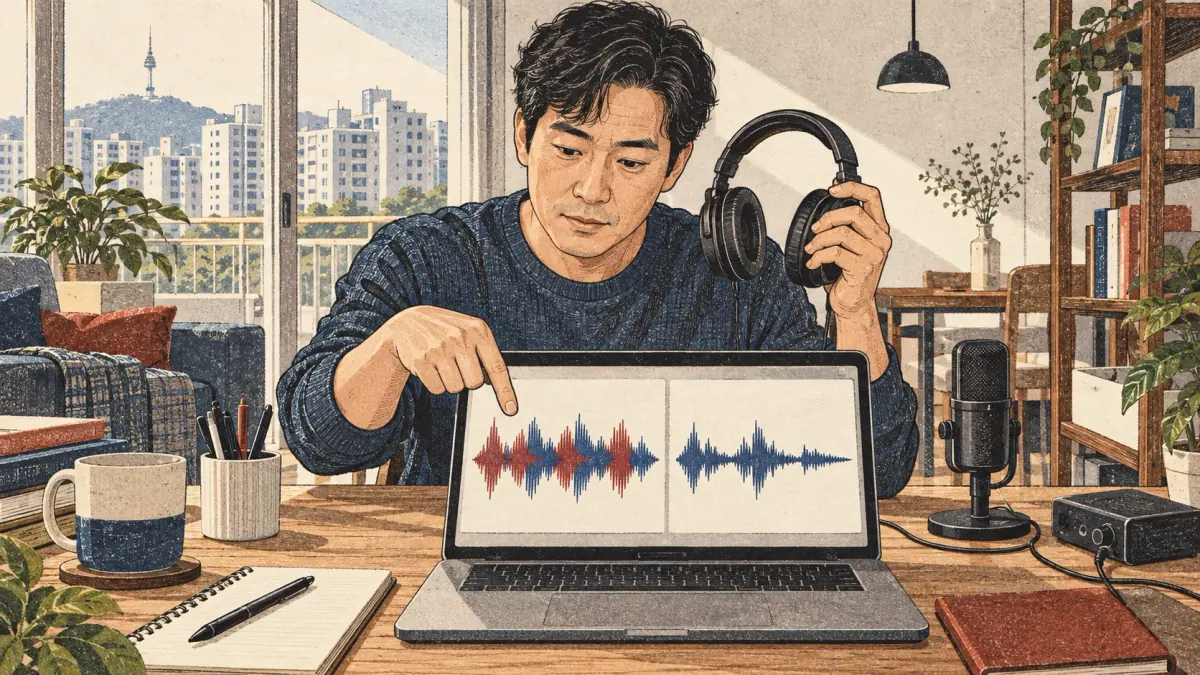
Use this checklist before deciding that a difficult repetition is entirely a language problem. Player boundaries, mismatched text and recording conditions can hide what you actually said.
| Problem | What to Check | Practical Fix |
|---|---|---|
| Final sound is missing | B point and the source itself | Move B later and replay the ending |
| You cannot finish the phrase | Speed and speaking-gap length | Choose an easier phrase or more reply time |
| Text does not match sound | Caption version and alignment | Correct the script from a dependable source |
| The take contains two voices | Loudspeaker sound entering the microphone | Use headphones and make a test take |
| Timing comparison seems unfair | Reference and take settings | Compare the same cue under stated settings |
For Korean, keep the full ending, listen across written spaces and compare phrase timing with the original. Avoid turning every written block into an isolated sound exercise during a connected phrase. Choose one problem from the checklist for your next session.
Frequently Asked Questions
Can I keep several takes of the same sentence?
Yes. Record separate takes and choose them in More. Takes stay in memory on this page; download them before leaving. Recording does not create a pronunciation grade.
Will my recordings appear in a public search result?
No. Local recordings are not uploaded or placed in public URLs. You decide whether to download a take. Loading an official YouTube player connects to that provider separately.
Can a teacher open my rehearsal without receiving my whole library?
Export the selected playlist and captions, then choose what to share yourself. Local audio is not placed in a public link. No recording or personal library is sent automatically.
Why is the saved MP3 longer than the original phrase?
A rehearsal can include several plays and gaps between plays, so it can be longer than one source phrase. The exported MP3 includes the selected repeat count, speaking gaps and playback-speed processing. A single-play export with no gap follows the selected segment duration at the chosen speed.
How can I move my playlist when browser storage is cleared?
Export a playlist JSON backup before clearing storage. Import that backup on another device and import the matching media separately. Download recordings individually; they are not included in the playlist JSON.
Your Next Korean Shadowing Tool Session
Begin your next Korean shadowing tool session with one complete cue and one comparison goal. Listen once, rehearse with suitable timing, record a take and check that goal. Keep the note narrow enough that you can judge it again tomorrow.
Use the step-by-step shadowing method when you need the learning sequence. Try a polite ordering-food script for requests you can understand before rehearsing. Hear Korean sentence intonation when the ending is your focus. Return to the player with a lawful matching recording and compare another take under the same settings.