Before you start
- Time: 15-30 minutes online, plus time to wait for the admit card later.
- Difficulty: easy, but deadlines and seat limits are strict.
- Typical cost: one test fee, set by country, level and format. TOPIK II usually costs more than TOPIK I.
- You need:
- a valid photo ID (passport, or a national or residence ID card accepted in your country);
- a recent digital photo of your face that meets the upload rules;
- an email address you check daily;
- a payment method accepted in your country (card, bank transfer or payment at the host office);
- your chosen session, test level (TOPIK I or TOPIK II), format (paper or IBT) and venue.
- Prerequisite: know which test you are taking. If you are unsure, read TOPIK I or TOPIK II first.
- 01
Choose the Test and Session
Session, level, format and venue chosen
TOPIK Exam DatesCurrent sessions and their registration periods.
- 02
Log in or Create an Account
Account with your legal name
- 03
Upload a Photo and Enter Details
Photo accepted and details checked
- 04
Pay the Fee
Payment confirmed
- 05
Print the Admit Card
Admit card saved and checked
Fees, dates and procedures change every session and differ by country. This guide explains the steps that stay the same; check every current detail on the official TOPIK website (topik.go.kr), run by the National Institute for International Education (NIIED, 국립국제교육원), or with your local host organisation.
TOPIK Registration: the Essentials
TOPIK registration means reserving a seat for one test session, at one venue, for one level. The Korean word you will see on the official site is 접수 (jeopsu), "registration" or "application". There are two routes, and your location decides which one you use.
| Route | Who uses it | Where you register | Who sets the fee |
|---|---|---|---|
| In Korea | Anyone sitting the test in Korea | Online on topik.go.kr | NIIED |
| Overseas | Anyone sitting the test outside Korea | topik.go.kr or the host organisation's own process, depending on the country | The local host organisation |
Overseas hosts are often a Korean Education Centre, a Korean Cultural Centre, an embassy or consulate, or a university. Some countries use the official online system; others ask you to apply by form, email or in person. The overseas notice on topik.go.kr names the host for each country. With your route known, the first real step is choosing what to register for.
Step 1: Choose the Test and Session
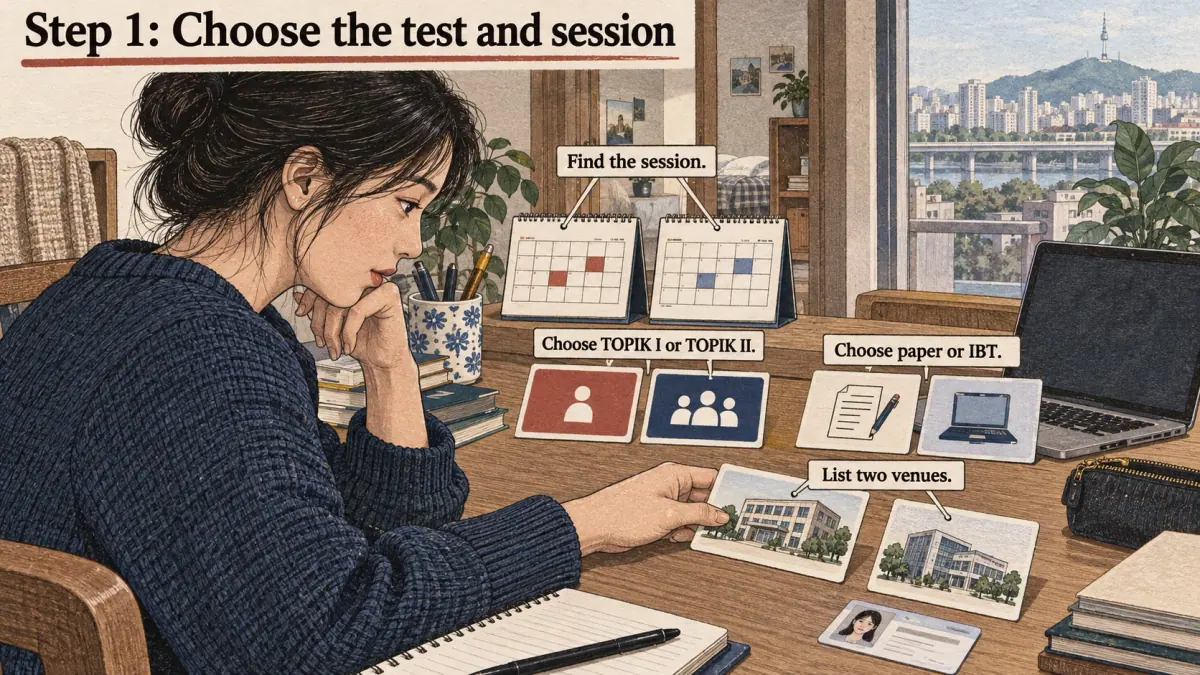
Pick one session, one test level and one format before you open the registration page. Registration periods are short, and deciding during the process wastes the time when seats are free.
- Find the session. Open the year's schedule on topik.go.kr, or see the TOPIK exam dates page. Note the registration period, test date and results date.
- Choose TOPIK I or TOPIK II. TOPIK I gives Levels 1-2; TOPIK II gives Levels 3-6. If your goal needs a set level, check the TOPIK requirements page first.
- Choose paper or IBT. If the computer format is offered near you, read about TOPIK IBT and the IBT vs PBT comparison.
- List two venues. Pick a first choice and a backup in case the first fills.
You'll know this step worked when you can write down, in one line, the session date, level, format and two venues. The common mistake here is choosing a session whose results arrive after an application deadline. Always check the results date, not just the test date.
Step 2: Log in or Create an Account

Log in to the official registration system, or create an account if you do not have one. In Korea this is the member area of topik.go.kr. Overseas, follow the system your host uses.
- Use your legal name exactly as on your ID, in the same order and spelling. For a passport, copy the name from the machine-readable line.
- Use an email address you check daily, because confirmations and notices arrive by email.
- Write down your login details. You will need them again to print the admit card and check results.
You'll know it worked when you can log out and log back in, and your name appears correctly in your profile. The common mistake is using a nickname or an English first name that is not on the passport, which can block entry on test day.
Step 3: Upload a Photo and Enter Details

Upload a recent photo of your face and complete the application form. The photo appears on your admit card and is compared with your face and ID on test day.
- Photo: follow the rules on the registration page. Typical rules are a recent colour photo, a plain light background, a front view of the face and no hat, sunglasses or heavy filters.
- Personal details: date of birth, nationality and ID number must match your ID.
- Test details: confirm the level, format and venue you chose in Step 1.
You'll know it worked when the photo preview shows your full face clearly and the form summary matches your ID. The common mistake is uploading a cropped selfie or an old photo; if staff cannot match the face, you may be refused entry.
Step 4: Pay the Fee

Pay the test fee (응시료, eungsiryo) before the registration deadline. A registration without payment is usually not complete, and the seat can be released.
Payment methods depend on the route. In Korea, the official site lists options such as card payment and bank transfer. Overseas, the host may accept local cards, bank transfers or payment in person. Keep the receipt or confirmation email until you have your result.
You'll know it worked when your registration status shows the payment as complete. The common mistake is paying on the last evening and hitting a payment error after the deadline. Pay as soon as your details are confirmed.
Step 5: Print the Admit Card

Print or save your admit card (수험표, suheompyo) when it is released, which is usually some days before the test. It shows your registration number (수험번호, suheombeonho), photo, venue, room and entry time.
- Log in and open the admit card page when the official notice says it is available.
- Check the name, photo, test level, format, venue address and entry time.
- Print it, and save a copy as a file.
- Note the registration number somewhere safe; you will need it to check your TOPIK results.
You'll know it worked when you hold a printed admit card with correct details. The common mistake is not checking the venue address; large cities can have several venues with similar names.
What Mistakes Cause Trouble?
Most TOPIK registration problems come from five avoidable mistakes. Each one below gives the problem and the fix.
- Name mismatch. The name on the registration differs from the ID. Fix: copy your name from your passport or ID, and correct any error with the TOPIK office or host before the deadline.
- Wrong test level. A candidate registers for TOPIK II when TOPIK I would give a level. Fix: take a timed mock test before choosing.
- Missed payment. The form is filled in but not paid. Fix: pay immediately and check the status.
- Unsuitable photo. The photo is old, cropped or filtered. Fix: take a new plain photo against a light wall.
- Ignoring the results date. The result arrives after a university or job deadline. Fix: check results dates in Step 1.
An expert habit prevents most of these: take a screenshot of each completed page and keep them in one folder until the result is out.
How Much Does It Cost?
TOPIK costs one test fee per attempt, and the amount depends on country, level and format. In Korea, NIIED publishes one fee for TOPIK I and a higher fee for TOPIK II. Overseas fees are set by each host in local currency and can be higher or lower than in Korea. The IBT fee is set separately and may differ from the paper fee.
| Cost item | Who sets it | Where to check |
|---|---|---|
| Test fee in Korea | NIIED | The registration page and notice on topik.go.kr |
| Test fee overseas | Local host organisation | The host's notice for your country |
| IBT fee | NIIED or the host | The IBT notice for your session |
| Refund on cancellation (환불, hwanbul) | Official rules for the session | The refund table in the notice |
| Travel to the venue | You | Your own plan |
Refunds usually depend on timing: cancelling during the registration period normally returns more than cancelling later, and close to the test there may be no refund. Read the refund table before paying.
What If My Registration Closes Early?
If seats at your venue fill before the registration period ends, the registration may close early for that venue. Act in this order:
- Try your backup venue from Step 1 at once.
- Check whether another format (paper or IBT) has seats for the same session.
- Watch for released seats, because cancellations sometimes free places during the registration period; the official notice says whether this happens.
- If nothing is free, register for the next session as soon as it opens.
Variations: Overseas, IBT and Test-Day Support
Three situations change the steps slightly.
- Overseas registration by host. If your host uses its own form, the same information is needed (name, photo, ID, level and fee), but you send it to the host. Ask the host when and how the admit card is issued.
- IBT registration. Choose the IBT option and an IBT venue, and check that you did not pick the paper version by mistake. The IBT notice may have its own fee and schedule.
- Test-day support. Candidates with a disability or a medical need may be able to request support, such as extra time or a separate room. The official notice explains how to apply and what documents are needed, usually during registration.
A Registration Timeline, from Schedule to Test Day

A registration timeline helps because each step has its own window. The table shows the usual order; the official notice gives the actual dates for your session.
| When | What to do | Checkpoint |
|---|---|---|
| When the year's schedule is published | Pick a session whose results date meets your deadline | Session, level and format chosen |
| Before registration opens | Prepare photo, ID details, payment method and two venues | Everything in one folder |
| First day of registration | Register and pay | Status shows payment complete |
| During the registration period | Check the confirmation email and fix errors | Name, photo and venue correct |
| When admit cards are released | Print and save the admit card | Venue address and entry time checked |
| The week before the test | Plan the route and the time you will leave | Route tested, ID in your bag |
What to Bring on Test Day
Bring three things on test day: your admit card, an accepted photo ID and anything the notice says you must bring yourself. Everything else is either provided or banned.
- Admit card with your registration number, printed or in the form the notice accepts.
- Photo ID from the accepted list, valid on the test day. An expired passport can be refused.
- Items listed in the notice. For the paper test, the official notice states which pen is used for answer sheets and whether it is provided.
- Leave at home or switch off: phones, smartwatches, earbuds and any device with a screen. Devices found during the test can lead to a cancelled result.
You'll know you are ready when your bag holds the admit card and ID the night before, and you know the room's entry time. Arriving after the entry time usually means you cannot sit the test, and the fee is not refunded.
How Long Does TOPIK Registration Take?
TOPIK registration takes about 15-30 minutes online when you are prepared, and longer for overseas routes that use forms or in-person payment. The full calendar is longer: the registration period opens weeks before the test, the admit card comes some days before it, and results come weeks after it.
Use the waiting time well. Once you have registered, a TOPIK study plan turns the weeks before the test into a schedule. For all other exam topics, return to the TOPIK exam guide. When TOPIK registration is complete, the next step after the test is checking your result.
Frequently Asked Questions
How Much Does TOPIK Cost?
TOPIK fees depend on the country, the level and the format. In Korea, NIIED sets one fee for TOPIK I and a higher fee for TOPIK II. Overseas, the local host organisation sets the fee in local currency. The exact current amount is shown on the registration page and in the official notice for your session.
Can I Cancel My TOPIK Registration?
Yes, within the cancellation period stated in the official notice. The refund usually depends on when you cancel: cancelling during the registration period normally returns more than cancelling later, and close to the test there may be no refund. Check the refund table for your session before you pay.
Where Do I Take the TOPIK Test?
You take TOPIK at the test venue you chose during registration, which is printed on your admit card. In Korea, venues are listed by region on topik.go.kr. Overseas, venues are run with a local host such as a Korean Education Centre, a Korean Cultural Centre, an embassy or a university.
Do I Need a Passport Photo for TOPIK?
You need a recent, clear photo of your face, uploaded as a digital file during registration. It does not have to be a printed passport photo, but it must meet the photo rules on the registration page, typically a plain background, a front view and no hat or sunglasses. The same face will be checked against your ID.
Can I Change My Test Venue after Registering?
Changes after registration are limited and depend on the session rules. Some sessions allow changes during the registration period if seats remain; others require cancelling and registering again. Check the official notice first, and contact the TOPIK office or your local host if you are unsure, before the registration period ends.