How Do You Use This Korean Learner Dictionary?

Search for the written Korean word or a meaning you know in English or Spanish. Start with a short query, such as 나무, and choose a definition language. The result shows one meaning at a time. That compact presentation is deliberate: a learner should be able to read a definition, compare its source example and save the intended meaning without sorting through a long wall of unrelated uses.
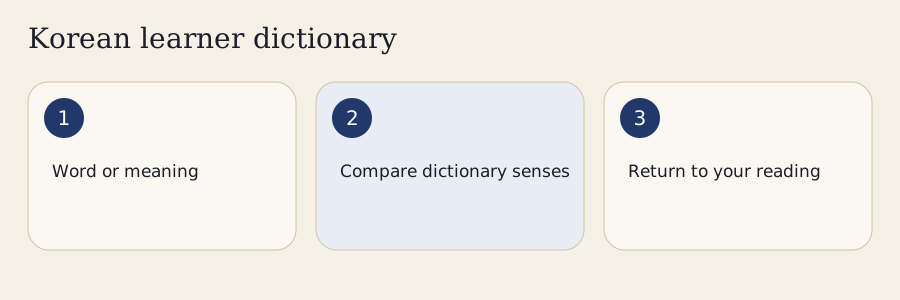
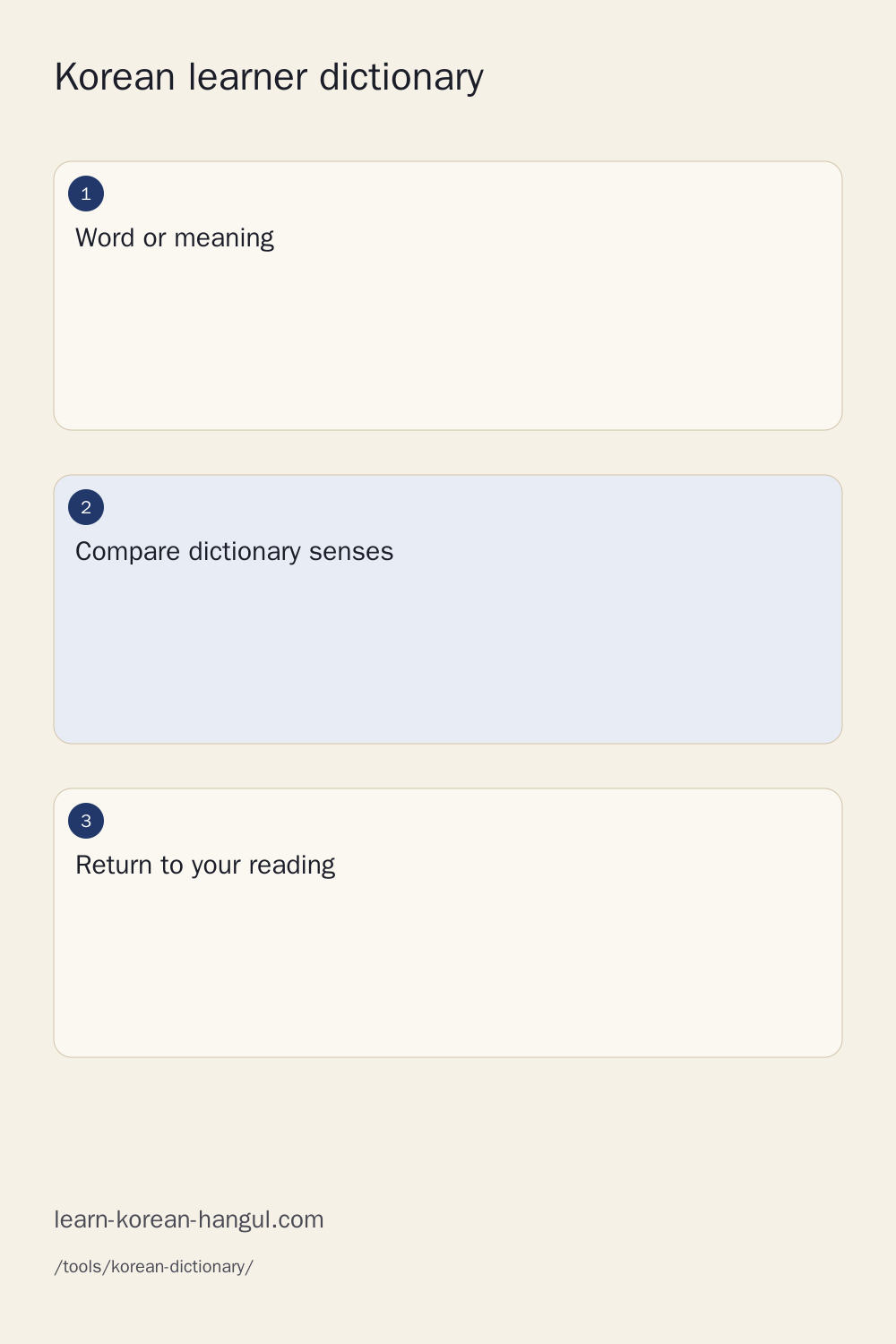
First, enter your query and press Search. Second, compare the headword, homograph number and selected meaning. Third, choose Example to see how that meaning appears in Korean. Finally, save the meaning you need. If the example does not fit your sentence, move to another meaning or another entry before saving. A familiar English gloss does not guarantee that the first Korean result is the right word for your purpose.
The lexical foundation is the National Institute of Korean Language's Korean Basic Dictionary, also called KRDict. This tool uses its September 2026 official text archive. Source grades belong to that dictionary, while pronunciation notation and romanization serve different jobs. Saved collections live on your device. Text packs can be saved separately for offline lookup, and source media have their own permissions. These five facts help you interpret what the tool actually provides.
Normal lookup processes your query locally after downloading the necessary static text files. No dictionary account or paid translation service is required. More contains match modes, filters, source credits, local collections and complete text-pack controls. Your search query remains visible while results change. That makes it easier to compare the source form with a candidate lemma, recover from a no-match search and return to the sentence you were reading.
What Information Belongs to One Word Sense?

A dictionary entry is not the same thing as a translation. An entry identifies a headword, grammatical category and source record. Within it, each sense describes one meaning or use. A source example belongs to its particular sense. Keeping these levels separate prevents a learner from attaching an example about one meaning to a card for another meaning.
| Layer | What it identifies | Why a learner needs it |
|---|---|---|
| Headword | The written dictionary form | Connects a sentence to the form used for lookup |
| Homograph number | Different source entries with the same spelling | Separates words such as eye and snow |
| Sense | One meaning within an entry | Keeps a selected translation precise |
| Example | A phrase, sentence or dialogue for that sense | Shows the meaning in a grammatical setting |
| Source identity | Provider entry and stable local sense record | Preserves attribution and saved-card identity |
Homographs and Multiple Meanings
Homographs are different words that share a written form. 눈 can lead to distinct entries for eye and snow. Those entries must remain separate even if an English search returns both. A multiple-meaning entry is different: 나무 contains several senses within the same source record. Moving between those senses is not the same as switching from one homograph to another.
The tool keeps the source homograph marker and pages the meanings independently. Save the selected meaning rather than a vague combined gloss. When reviewing, use its example or a short note to recover the intended context. A card labeled only with a written form can make several correct meanings appear to conflict.
Parts of Speech and Source Grades
The source's part of speech tells you whether an entry is a noun, verb, adjective, particle or another category. It can guide your reading without proving a full sentence analysis. A noun near an ending-looking syllable may be followed by a particle; a conjugated verb needs its stem and ending considered together.
Beginner, intermediate and advanced are source vocabulary grades. They are not automatic TOPIK scores or CEFR certifications. Use a grade to narrow study material, then consider whether the selected sense is useful in your reading. Some entries have no source grade. That absence is a data distinction, not evidence that the word is rare or unimportant.
Can You Look up a Conjugated Korean Word?

A conjugated form can differ substantially from its dictionary headword. The sentence form carries grammatical information such as tense and politeness. The headword is a reference form used to organize the entry. Looking up only an English meaning may help you find vocabulary, but it can miss the ending that explains how the word functions in the sentence.
The tool preserves your surface query and can offer listed candidate lemmas when no exact headword matches. These candidates are suggestions with stated assumptions. 먹었어요, for example, can lead toward 먹다 with a past polite-ending analysis. The suggestion does not replace your source or assert a unique sentence meaning. Once you select an entry, compare its sense and examples with the passage you are reading.
Some forms have more than one plausible lemma. 걸어요 illustrates why contextual candidates should remain distinct rather than being collapsed into the first answer. The surrounding sentence is needed to choose an analysis. A dictionary can help locate the relevant entries, while a conjugator explains the full form pattern. Use the Korean verb conjugator for a broader inflection comparison.
Particles create another lookup problem. A noun with a particle attached may not appear as an independent headword in the archive. Search the possible noun, then check the particle separately. Avoid deleting any final syllable merely because the resulting word happens to exist. The verb dictionary is useful for a curated verb overview; individual source entries remain the place to compare precise meanings and usage.
Korean–English and Korean–Spanish Search

The language selector changes the displayed definition. Korean queries are analyzed as written Korean, while a Latin-script query uses the chosen English or Spanish search direction. This distinction helps keep a Spanish meaning from being treated as a guessed Korean romanization. Hanja origins can be searched as source characters rather than flattened into a Latin spelling.
| Query | Suggested direction | What to compare after searching |
|---|---|---|
| 나무 | Korean headword | Its separate senses and source examples |
| wood | English meaning | Whether the material sense fits the passage |
| árbol | Spanish meaning | The source Spanish gloss and selected sense |
| 눈 | Korean headword | Different homograph entries before choosing a meaning |
| 먹었어요 | Korean surface form | Candidate lemma and grammatical context |
Accents stay in the displayed Spanish source text. A folded search can help when a keyboard makes an accent inconvenient, but it does not rewrite árbol as an unaccented dictionary translation. Stored definitions and exported cards retain the original source wording. Case folding likewise makes an uppercase query easier to match without turning dictionary text into an all-lowercase adaptation.
More offers exact, prefix, contains, suffix and wildcard matching. These are different search tasks. An exact query asks for the complete matched token or headword; a prefix query explores a family beginning with the query. Wildcards are bounded to prevent an accidental expensive pattern. If a filter hides a useful result, clear filters and try another match mode before deciding that the dictionary lacks the word.
Examples That Show Grammar and Register
An example explains how a meaning operates in a phrase or sentence. It should not be treated as decorative text beneath a gloss. Read the selected definition first, then inspect the example for the grammatical pattern that connects the word to its neighbors. This sequence is especially useful when a familiar English translation covers several different Korean constructions.
The archive distinguishes phrase, sentence and dialogue examples. A phrase shows a compact combination; a sentence supplies a fuller grammatical environment; a dialogue gives two linked utterances. Their learning uses differ. A phrase is often convenient for a small card, while a dialogue can show how the meaning participates in a conversation. The tool preserves the example's source type instead of treating every example as a complete standalone sentence.
Many source examples are Korean-only. An English or Spanish definition does not imply that every example has a corresponding translated sentence. The tool does not silently generate an example translation and present it as published source text. Use the bilingual meaning to orient yourself, then read the Korean example with an appropriate grammar lesson or teacher when necessary.
Usage notes and grammatical patterns are shown when the source supplies them. Missing notes do not prove that a word has no register restriction. A formal phrase, colloquial expression and dictionary citation can have different practical contexts. When you save an example, keep enough of its setting to understand why it belongs to the chosen sense. For structured vocabulary practice, explore the vocabulary hub alongside the source entry.
Worked Dictionary Lookups
나무: Choose Tree, Wood or Firewood
Enter 나무 and select English definitions. The source entry 32750 contains distinct senses: a living tree, wood as material, and a timber or log sense associated with its particular context. Choose a sense and inspect one of its Korean examples. Saving that meaning keeps the material use separate from the living-plant use. The official 나무 entry is the source for the distinctions, not an automatically inferred combination of English synonyms.
눈: Separate Eye from Snow
Search 눈 and compare the different source entries. Eye belongs to entry 72704; snow belongs to entry 20198. The source homograph marker for snow is four, so the tool does not invent a neat two-item numbering system. Source length notation is also retained where supplied. Save the intended sense, then include a context note that separates it from the other word. A shared spelling is an invitation to compare meanings rather than evidence that the dictionary should merge the entries.
먹었어요: Identify an Inflected Candidate
Keep 먹었어요 in the search field and inspect any offered lemma candidate. A possible 먹다 analysis connects the source form with a past polite ending. Check the sentence before saving an entry, because recognizing a grammatical pattern does not determine which sense of the verb is intended. Use the conjugator for the form comparison and the dictionary for the meaning. Save a note about the source form if it is the form you expect to meet again in reading.
árbol: Search a Spanish Meaning
Choose Español and enter árbol. Compare the result with the corresponding 나무 sense. The source's other Spanish glosses, including madera and leña, help separate the material and firewood contexts. Search matching can fold accents for convenience, while displayed source translations keep their accents. Select the sense relevant to your passage and inspect its Korean example. A Spanish gloss narrows your search; it does not automatically make every Korean result interchangeable in a sentence.
Pronunciation, Romanization and Hanja
Source pronunciation is a dictionary field. It can include information not obvious from the written headword, including a length mark in an entry such as snow. The tool keeps that notation rather than discarding it to make results look uniform. It also keeps the source spelling, which is the form you need for reading and writing.
Listen uses an installed Korean device voice and the original spelling. This is labeled synthesis, not a native recording from the archive. A device voice can have its own delivery and installation requirements. If your browser has no suitable voice, the written source pronunciation remains available. Audio URLs in the archive are not automatically reusable recordings: multimedia permissions must be checked for the specific asset and requested action.
Romanization is a named Latin spelling aid, not a substitute for the pronunciation field. Revised Romanization has conventions that prevent a simple spoken-Hangul-to-Latin replacement from being universally correct. The romanization converter explains its scheme, while the sound change checker concentrates on the relationship between written Korean and its spoken joins.
An origin field may contain Hanja or a source-language spelling. It provides information about the word's history or components, not permission to replace a native Korean word with guessed characters. A Hanja character can have several readings or lexical uses. Keep its connection to the selected entry and sense. If you struggle to decode the syllables themselves, review reading Hangul before adding another transcription system.
Why Does the First Translation Sometimes Mislead?
A short gloss is a search clue. It compresses a meaning into a few familiar words, often leaving out the grammatical pattern, register or context that determines whether it fits a sentence. This is why an apparently obvious first translation can be a poor learning answer. Read the definition and at least one relevant example before choosing a card.
| Situation | Useful next step | What to avoid |
|---|---|---|
| Several entries share a spelling | Compare source homograph numbers and meanings | Saving a merged list without context |
| One entry has several senses | Select the sense that matches the passage | Treating sense one as a universal translation |
| A surface form has no exact match | Inspect candidate lemmas and endings | Silently replacing the source query |
| An English or Spanish gloss finds many words | Compare grammar, origin and source examples | Assuming alphabetical order means contextual certainty |
| A field is missing | Consult the source or another suitable resource | Inventing pronunciation, register or example translations |
Dictionary order is a predictable default. It is not a neural confidence score, public popularity chart or guarantee that the first result is the intended sense. The tool does not claim a frequency ranking without a separately licensed corpus and methodology. Source vocabulary grades are useful filters, but they cannot resolve the meaning of a sentence by themselves.
If a result appears inconsistent, export the selected entry and sense with its source evidence. Keep your original sentence privately for comparison. A correction should identify the precise meaning, example or field that seems wrong. That is more helpful than reporting only that a written word has “the wrong translation,” because the source may contain a different sense that fits the context.
Save One Meaning and Review It

Save a selected sense rather than only a headword. The collection records the source entry, stable local sense identity and the chosen context. Notes and tags can organize words by lesson, topic or passage. This design helps prevent an eye card from changing into a snow card simply because both begin with the same written query.
Saved collections are account-free and stored on your device. If storage is unavailable, the session can still hold the selected meanings, and export provides a practical recovery path. Export before clearing browser data or moving to another device. A browser's local storage is convenient for study, but it should not be treated as a permanent cloud backup.
JSON retains structured records, source identities and licence information. CSV and TSV are convenient for inspecting a collection in a spreadsheet or preparing material for another study system. Formula-like CSV cells are escaped so that a note is not inadvertently interpreted as a spreadsheet command. The original dictionary wording stays available in the structured export.
When reviewing, recall the meaning before checking the definition and example. Then return to the passage where you found the word. This keeps vocabulary linked to reading instead of reducing it to an isolated list of English equivalents. The flashcards guide explains broader review habits, and the top 100 Korean words offers a curated starting point when you do not yet have a reading list.
How Does Offline Dictionary Search Work?
An offline dictionary needs more than a few familiar examples. It needs the search information and the entry text necessary for the requested query. The tool can save the complete licensed text pack separately from its initial interface. Before downloading, it shows the measured size and record coverage. Media are excluded from that text-pack claim.
| Offline task | What must already be available |
|---|---|
| Read the current entry | Its loaded text or saved collection record |
| Search an unfamiliar word | The relevant search and entry files |
| Search the complete snapshot | The complete text pack |
| Listen through a device voice | A suitable installed voice and its own offline support |
| Reopen the tool without network | A saved page shell as well as its text data |
A missing pack is different from a genuine no-match result. When the relevant data cannot be loaded, reconnect or choose a previously saved word. Download progress can be cancelled while preserving the source query and existing entries. Browsers may remove cached data when storage is limited, so check coverage before relying on a device for travel or a class with no connection.
Sources, Licences and Corrections
The text foundation comes from the official Korean Basic Dictionary archive dated September 19, 2026. Ingestion records the download URL, archive hash, source fields and provider identities. English and Spanish equivalents are taken from the archive when present. Missing translations remain distinguishable from missing words, and source examples retain their sense relationship.
KRDict's default text policy uses Creative Commons Attribution–ShareAlike 2.0 Republic of Korea unless a separate notice applies. This tool's structured text distribution keeps that credit and licence. It selects fields and decodes text entities without presenting the definitions as newly authored material. Attributed exports preserve the source and adaptation notice. See the official copyright policy and the tool's data licence file.
Multimedia permissions differ by asset. A publicly reachable sound, image or video URL does not establish a commercial redistribution or modification grant. The text pack therefore does not silently include recordings or illustrations from the archive. Device synthesis is a separate browser function and supplies no assumed downloadable audio file.
New explanations, translations and contextual mappings require their own language checking. Published source text provides a reference; it does not mean that an adaptation, grammatical suggestion or new teaching exercise has been signed off by a Korean reviewer. Keep the cited source available when comparing an unexpected result, and identify the precise field when preparing correction evidence.
When Should You Use Another Tool?
Use the dictionary when your task is to select a word meaning and understand its source example. Use the conjugator for a full comparison of endings and speech levels. Use a pronunciation tool for a written-to-spoken explanation. A complete sentence can require grammatical analysis beyond a dictionary headword search, especially when several lemma candidates fit the same surface form.
A comparison article is useful when choosing among providers, rather than checking a single sense. The dictionary resources hub keeps that broader job separate from this lookup surface. Different dictionaries have different strengths, licensing conditions and editorial scopes; no one result page proves universal coverage or perfect contextual translation.
After checking a word, return to the text that prompted the query. The Korean reading practice tool offers another place to use a selected meaning in context. A short reading session with a few carefully chosen words can be more informative than saving every unfamiliar item before understanding the passage.
Frequently Asked Questions
Can I Search in English Instead of Typing Hangul?
Yes. Enter an English meaning and choose English definitions. Results can contain several Korean words or several meanings of one word, so compare the definition and example before saving. An English gloss is a search clue rather than a guarantee that every result fits the sentence you have in mind.
Why Does 눈 Show Both Eye and Snow?
Korean has different words with the same written form. The dictionary separates them into source entries and keeps their meanings distinct. Choose the entry that fits your sentence, then inspect its examples. Saving the selected sense keeps an eye card separate from a snow card during later study.
Will the Dictionary Identify Every Conjugated Form?
Known forms and listed grammatical candidates can help locate a dictionary form, but some spellings allow several analyses. The original query stays visible and candidates carry their assumptions. Check the sentence and source examples before selecting a sense. A candidate is useful lookup assistance, not proof of the intended meaning.
Does the Dictionary Work without an Internet Connection?
Loaded entries and explicitly saved text packs can work offline. Coverage depends on the data you saved, and browsers may remove cached files when storage is limited. Device audio has its own voice requirements. Save the page shell as well as the text pack before relying on a fresh offline visit.
Can I Use Dictionary Examples in My Own Study Materials?
Check the source credit and licence included with the selected example or export. Adapted KRDict text retains attribution and share-alike terms, while recordings and images have separate permissions. Personal study and redistribution are different actions. The complete text pack excludes multimedia whose commercial use or redistribution rights have not been established.
Use the Korean Learner Dictionary in Your Reading Routine
Read a short passage and choose one word that matters to its meaning. Search it in the Korean learner dictionary, compare the available senses and inspect a source example. Save the selected meaning with a note about the passage, then return to reading. At your next review, recall the meaning before revealing the definition. If the grammatical form still feels uncertain, compare it in the conjugator or an appropriate lesson. This simple loop connects lookup, context and later retrieval without promising that a number of saved words equals fluency.